

Audi A6 (4B) Level Control (4-Wheel)
Table Of Contents
- 1. Coding
- 2. Security Access
- 3. Adaptation
- 4. Basic Setting
-
5.
Special Procedures
- 5.2.5 Video Link
Coding
- 25500 = Standard
Security Access
Adaptation
Basic Setting
The Basic Setting function is not supported by this module,
Special Procedures
Suspension Level Control Calibration
Prerequisites
- Engine at idle
- Transmission in park/neutral
- Doors, hood, rear lid or hatch are to remain shut during the entire procedure
[Select]
[34 - Level Control]
[Login - 11]
- Enter 31564
[Do It!]
[Adaption - 10]
- Channel 01
[Read]
The vehicle will now try to level itself. The first field will show "Wait". Once this process is complete, the first field will show "Value".
Now measure the ride height, in millimeters, from the center of the wheel to the edge of fender, do this for all four wheels and record the values.
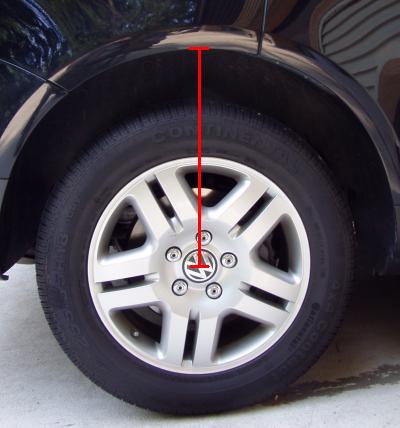
In the "New Value" field for channel 01, input the measurement from the left front wheel.
[Test] - [Save] - Confirm [Yes]
Click the [Up] button to go to Channel 02.
In the "New Value" field for channel 02, input the measurement from the right front wheel.
[Test] - [Save] - Confirm [Yes]
Click the [Up] button to go to Channel 03.
In the "New Value" field for channel 03, input the measurement from the left rear wheel.
[Test] - [Save] - Confirm [Yes]
Click the [Up] button to go to Channel 04.
In the "New Value" field for channel 04, input the measurement from the right rear wheel.
[Test] - [Save] - Confirm [Yes]
Click the [Up] button to go to Channel 05.
In the "New Value" field for channel 05, input a value of 1.
[Test] - [Save] - Confirm [Yes]
[Done, Go Back]
Check for fault codes, if all procedures went fine there should be none.
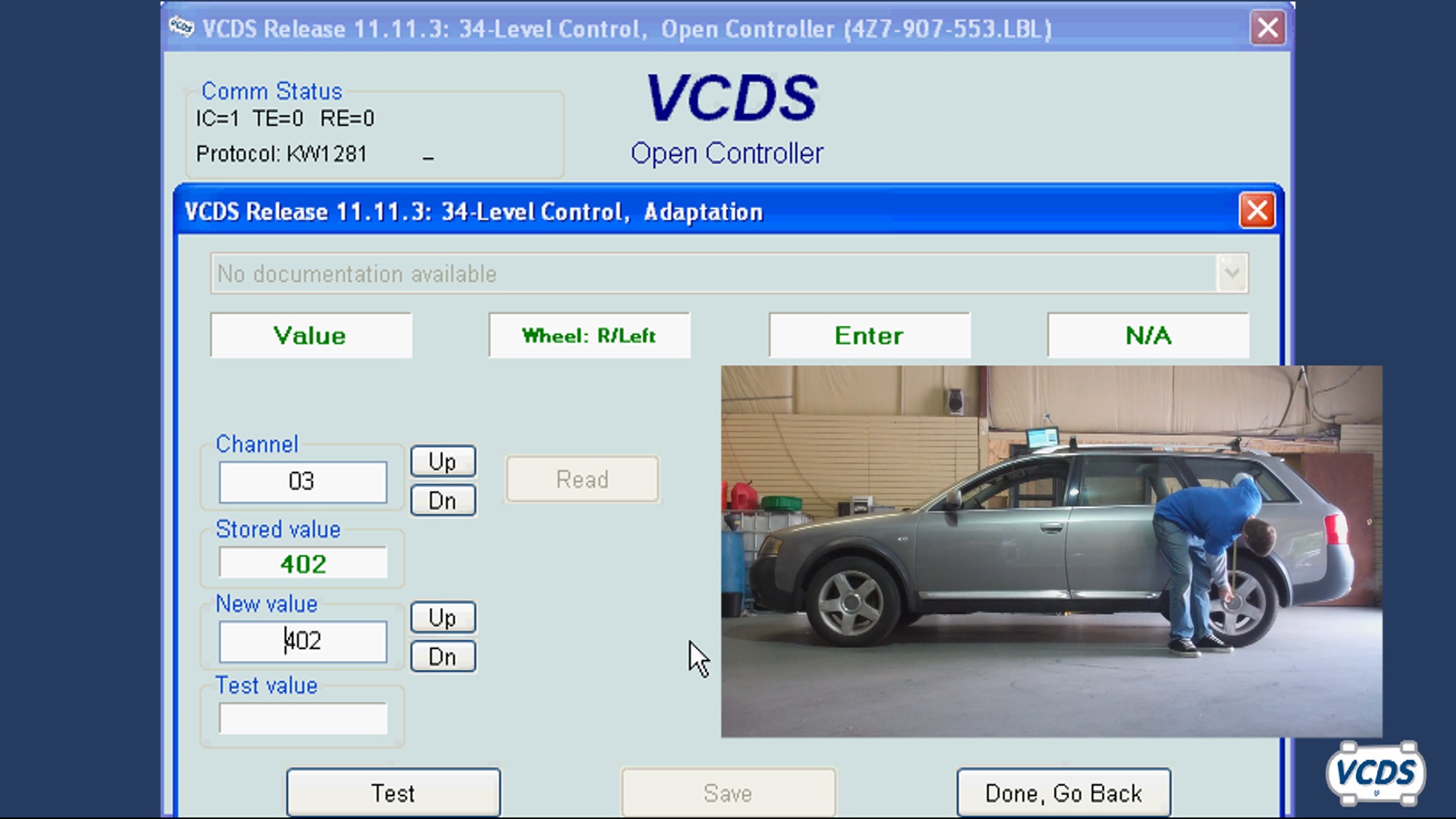
Video Link
Suspension Leveling Calibration
No categories.